Single-file pipeline
A minimal DAG-file-mode pipeline lives under examples/single-file/. One YAML, one CSV, one command.
What it does
Section titled “What it does”Loads penguin observations, filters to the Adelie species, groups by island, and reports mean bill length, mean flipper length, and count per group.
Layout
Section titled “Layout”examples/single-file/├── pipeline.dag.yaml # the entire pipeline└── data/ └── penguins.csv # ~340 rows of measurementsThe DAG
Section titled “The DAG”specification_version: "2.1"
nodes: - id: penguins kind: source path: data/penguins.csv
- id: adelie_only kind: filter inputs: [penguins] expr: '[species] == "Adelie"'
- id: by_island kind: aggregate inputs: [adelie_only] groupBy: ["[island]"] metrics: - "[mean_bill_length] = [bill_length_mm].mean()" - "[mean_flipper_length] = [flipper_length_mm].mean()" - "[n] = [bill_length_mm].count()"Running it
Section titled “Running it”rime validate examples/single-file/pipeline.dag.yamlrime run examples/single-file/pipeline.dag.yamlrime build examples/single-file/pipeline.dag.yamlOutputs land under examples/single-file/outputs/by_island/default.parquet.
The final aggregate is:
| island | mean_bill_length | mean_flipper_length | n |
|---|---|---|---|
| Biscoe | 40.30 | 195.00 | 1 |
| Dream | 39.15 | 180.00 | 2 |
| Torgersen | 39.30 | 183.50 | 2 |
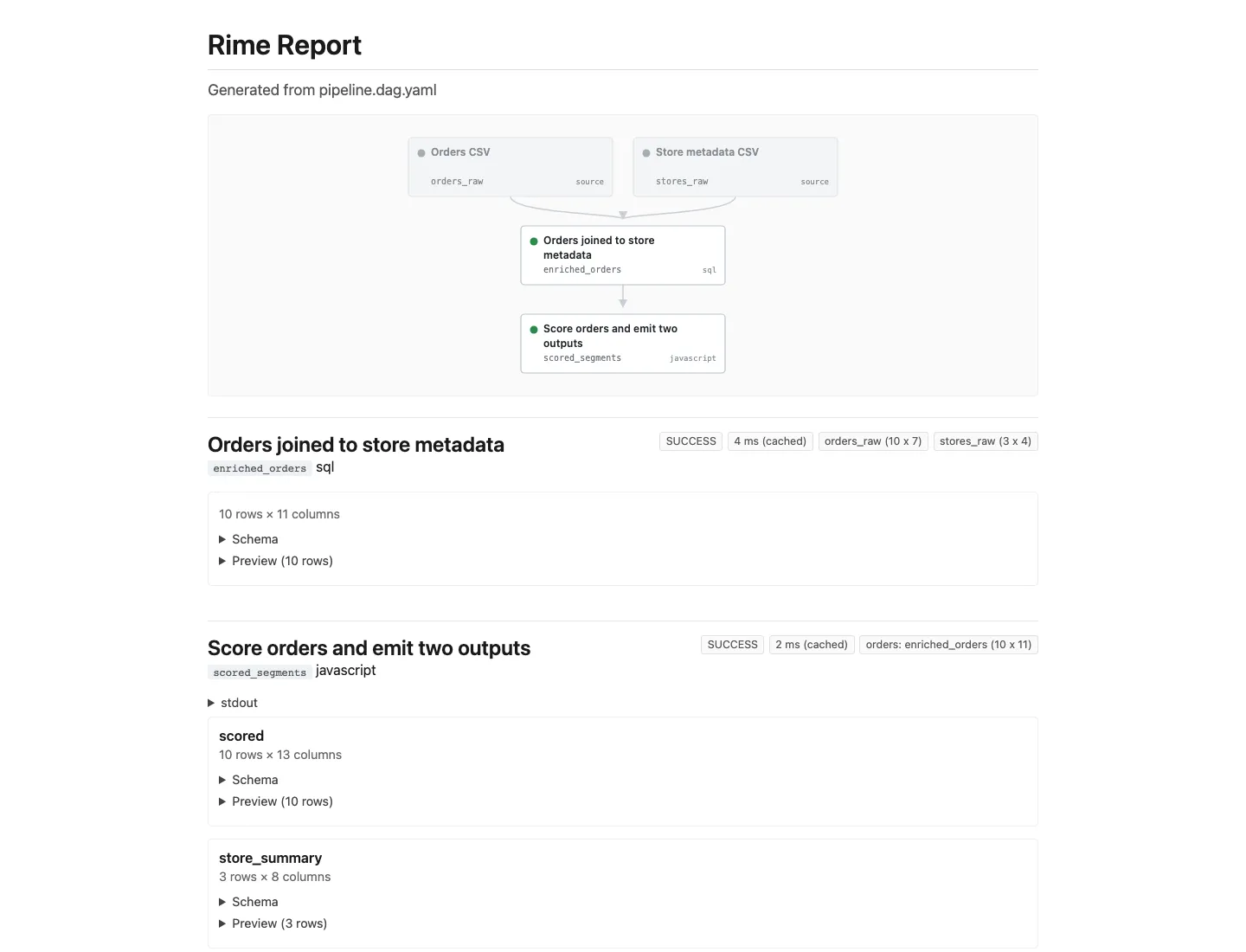
rime build also writes examples/single-file/outputs/run_report.html.
Why start here
Section titled “Why start here”No language nodes, no Python / R interpreters required, no companion report file. This is the smallest amount of Rime that does something interesting — useful for verifying your install or as the seed of a larger pipeline you grow into.
What To Inspect
Section titled “What To Inspect”pipeline.dag.yamlto see the full DAG in one file.outputs/by_island/default.parquetto inspect the final table directly.outputs/run_report.htmlto review status, cache state, output shape, and preview rows in the browser.